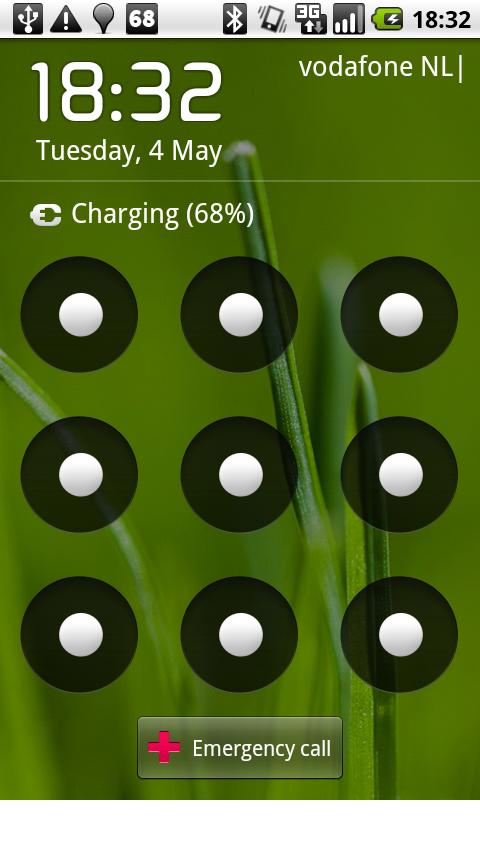
How to Unlock Lock Pattern Using Command Prompt:-
.
Step 1:
Connect your Android Phone to Your Computer.
.
Step 2 :
Open command prompt as administrator.
.
Step 3 :
Now in command prompt window type the following code carefully exactly as it is and then press enter.
adb shell
cd /data/data/com.android.providers.settings/databases
sqlite3 settings.db
update system set value=0 where name='lock_pattern_autolock';
update system set value=0 where name='lockscreen.lockedoutpermanently';
.quit
.
Step 4 :
Now you will some screen as shown below and then you can reboot your phone and now when your will start again then try unlocking your phone using any random lock pattern and it will work pretty fine.
.
: If you face any problem repeat same steps but instead of the above code try using adb shell rm/data/system/gesture.key and then press enter and now try rebooting your device to see if it works.
.
Step 1:
Connect your Android Phone to Your Computer.
.
Step 2 :
Open command prompt as administrator.
.
Step 3 :
Now in command prompt window type the following code carefully exactly as it is and then press enter.
adb shell
cd /data/data/com.android.providers.settings/databases
sqlite3 settings.db
update system set value=0 where name='lock_pattern_autolock';
update system set value=0 where name='lockscreen.lockedoutpermanently';
.quit
.
Step 4 :
Now you will some screen as shown below and then you can reboot your phone and now when your will start again then try unlocking your phone using any random lock pattern and it will work pretty fine.
.
: If you face any problem repeat same steps but instead of the above code try using adb shell rm/data/system/gesture.key and then press enter and now try rebooting your device to see if it works.

0 comments:
Post a Comment